





Simsonn Manager Download
google SIMSONNManager-2.1.9-Setup.zip
SIMSONNManager-2.1.9-Setup.zip
google SIMSONNManager-2.1.8-Setup.zip
SIMSONNManager-2.1.8-Setup.zip
SIMSONNManager-2.1.7-Setup.zip
SIMSONNManager-2.1.6-Setup.zip
SIMSONN Manager-2.1.5-Setup.zip
SIMSONN Manager-2.1.4-Setup.zip
SIMSONN Manager-2.1.3-Setup.zip
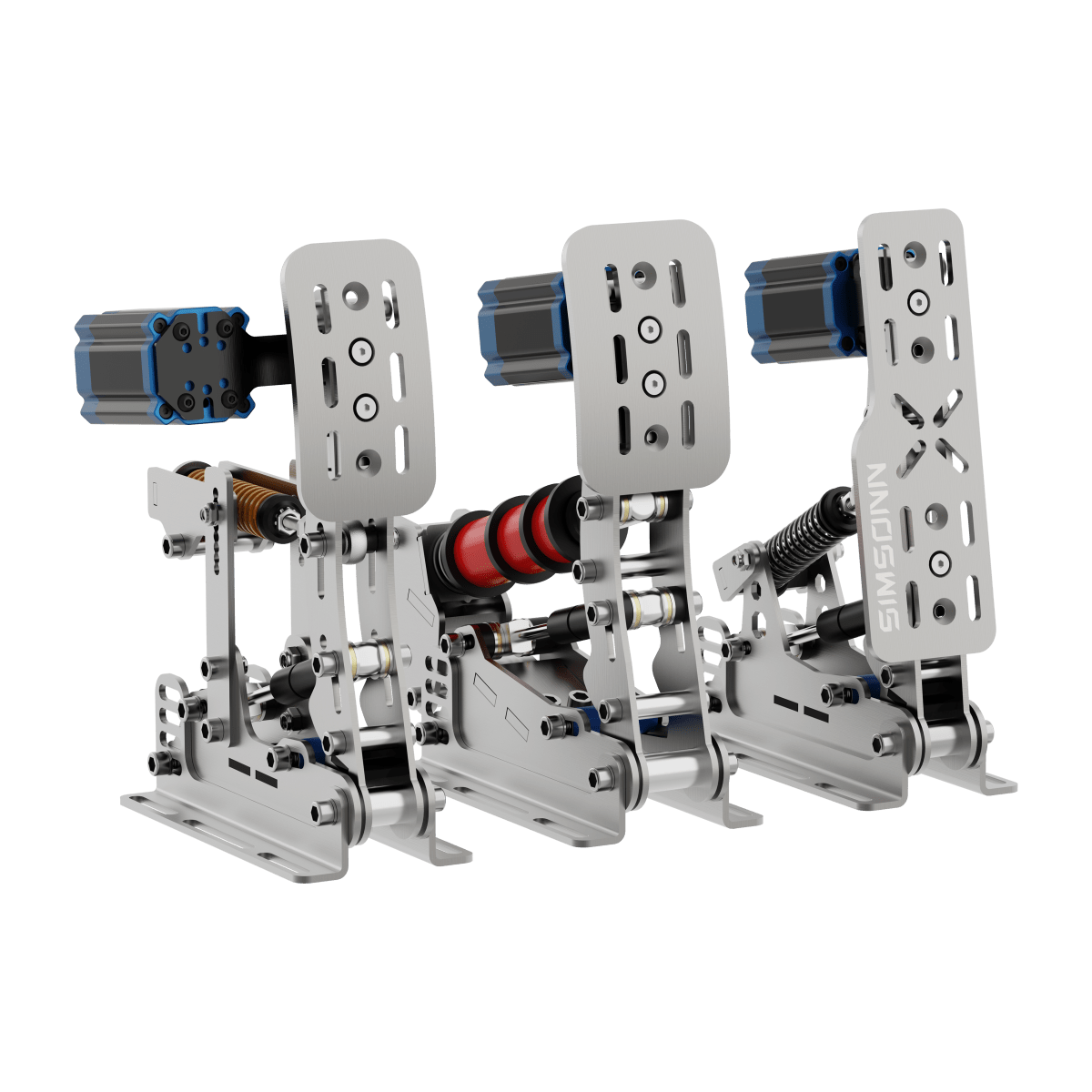
Note: For Simsonn Plus, Plus X, Pro X, Pro X Ultra Pedals and HB Pro, SQ Pro, HS Pro
V4 Download
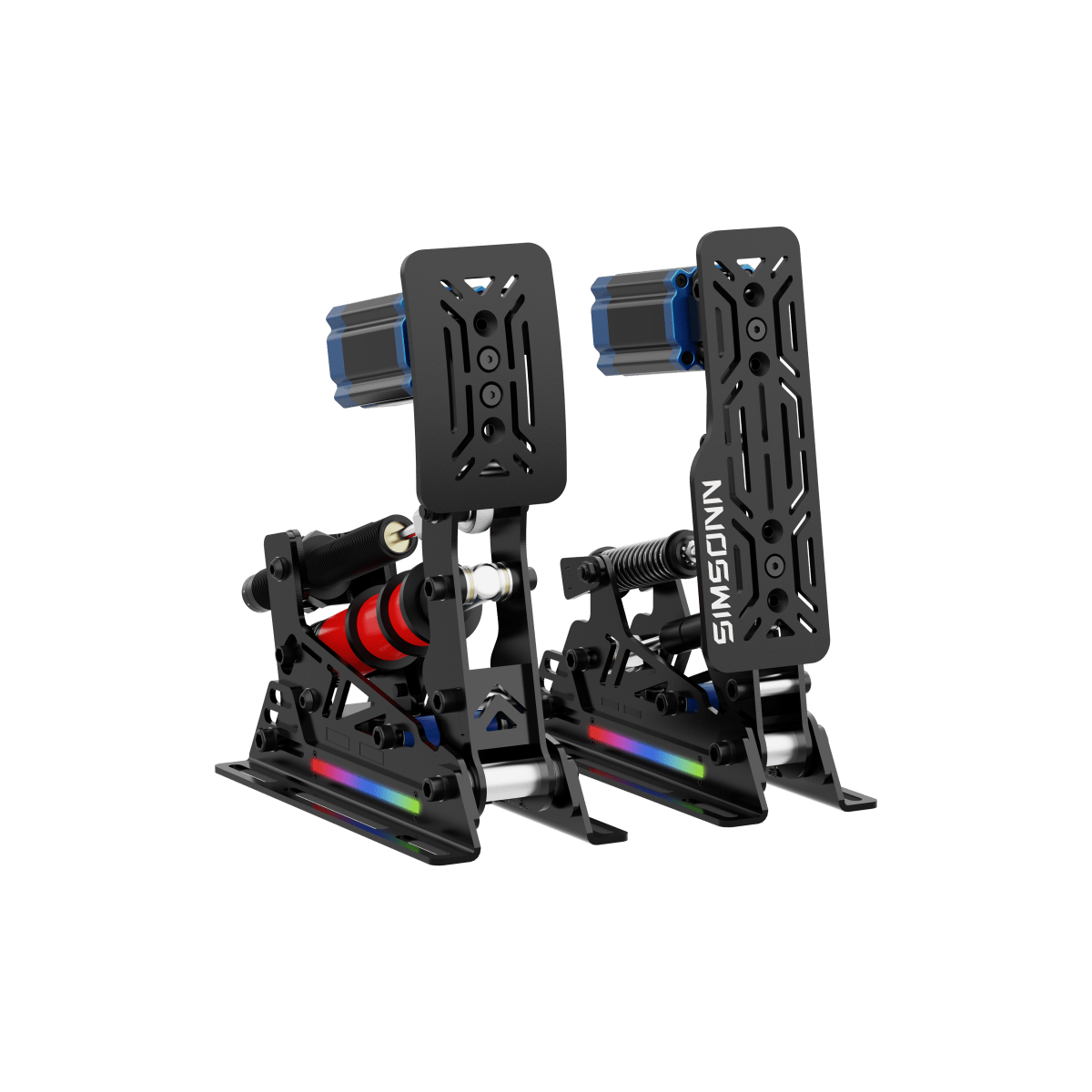
Note: For Simsonn Pro, Pro Plus Pedal
Firmware
# SIMSONN Manager v2.1.9 Release Notes
## Software Updates
### Firmware Updates
- Improved progress reporting to reflect firmware flashing progress more accurately.
- When a device is in Flash mode, the version field now displays “Flash Mode” instead of the default version “2.0.0”.
- After an update completes, the actual version of the newly installed firmware is displayed correctly.
### Software Update Experience
- Fixed interface freezes and unresponsiveness while downloading update packages. Users can now cancel the update or scroll through the release notes during a download.
- The download button now displays “Downloading…” and is disabled while the download is in progress to prevent repeated clicks.
- Canceling an update no longer incorrectly triggers a “Download Failed” message.
- Release notes now open at the top.
### Force Feedback & Pedal Vibration
- Fixed an issue where the “Vibration Intensity (%)” setting had no effect. Vibration output now respects the intensity limit configured for each effect.
- Fixed an issue that incorrectly halved the default vibration intensity.
- Vibration frequency ranges now automatically match the motor type: 60–100 Hz for VAM / VAM2, 10–200 Hz for VAM Neo, and 10–50 Hz for VAM Pro. When switching motor types, out-of-range frequency settings are automatically adjusted to the valid range.
- The displayed motor type (VAM / VAM2 / VAM Neo / VAM Pro) now matches the information reported by the device firmware and refreshes automatically when a device is connected or disconnected.
- Fixed an issue where changing the handbrake motor type sent an incorrect motor type to the device.
- Stop commands are no longer sent repeatedly when there is no vibration output, reducing communication overhead.
- Vibration now stops immediately when the game is paused.
- Telemetry transmission to the device is stopped when saving a configuration to prevent data errors.
### Game Detection
- Fixed an application crash related to rFactor 2.
### Pedal Presets & Interface
- Fixed an issue where the `proxUltraV1.5` default preset turned off the lighting.
- Changed the version text on the pedal interface to white for improved readability.
## Device Firmware Updates
### Interface Data Refresh
- Fixed an issue where data for Plus X and ProX Ultra pedals failed to refresh in SIMSONN Manager even though pedal signals and telemetry were operating normally.
### Vibration Feedback
- Improved the VAM / VAM2 vibration algorithm with gradual intensity transitions as frequency changes, enhancing telemetry vibration feedback.
- Added adjustable frequency ranges of 60–100 Hz for VAM / VAM2 and 10–200 Hz for VAM Neo.
### Communication Stability
- Optimized the communication queue between the PC and the main controller to resolve unanswered queries.
- Improved communication between the main and sub-controllers, adding CRC validation to the sub-controller to reduce data errors and improve transmission stability and reliability.