




 SIMSONN Manager
SIMSONNManager-2.1.9-Setup.zip
SIMSONNManager-2.1.9
SIMSONNManager-2.1.8-Setup.zip
SIMSONNManager-2.1.8
SIMSONNManager-2.1.7-Setup
# SIMSONN Manager
v2.1.7 Release Notes
## Software Updates
### New Features
* Added support for HS Pro V2 devices.
* Added real-time pedal telemetry graphs for monitoring pedal input data.
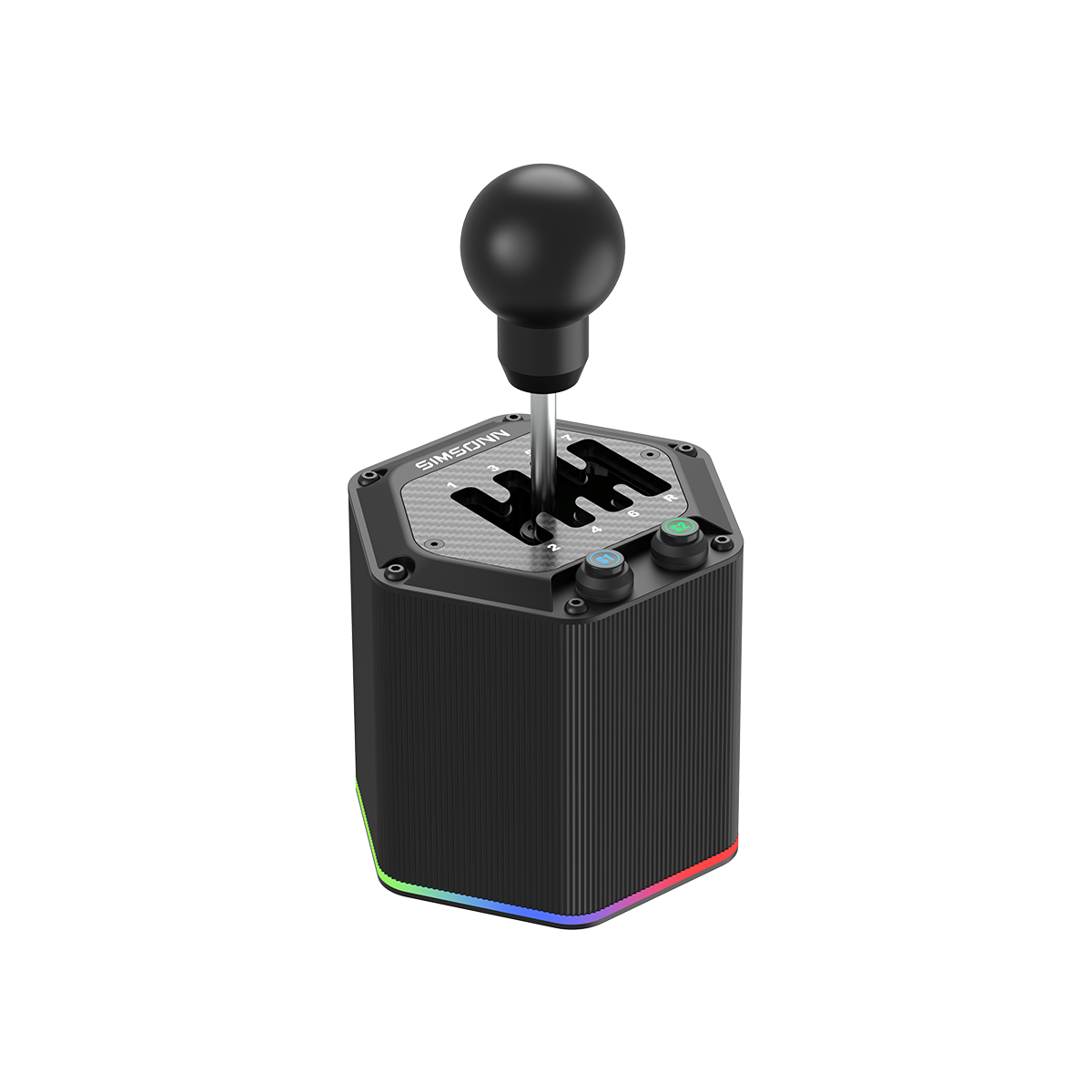
* Added Auto Blip functionality in the shifter interface, compatible with SIMSONN pedals.
* Added Throttle Cut functionality in the pedal interface to improve heel-and-toe driving techniques.
### Improvements
* Improved UI responsiveness and reduced lag when dragging windows and controls.
* Optimized startup procedures to reduce software launch time.
---
## Firmware Updates
### Enhancements
* Updated firmware for HS Pro V2 devices with improved lighting telemetry performance.
* Added Auto Blip and Throttle Cut support for PlusX and ProX Ultra pedals.
### Bug Fixes
* Improved Offset button responsiveness and reliability.
* Fixed an issue where the sub-controller firmware version could display incorrectly after firmware updates.
* Fixed a rare USB device recognition issue affecting a small number of users.
SIMSONNManager-2.1.7
# SIMSONN Manager
v2.1.7 Release Notes
## Software Updates
### New Features
* Added support for HS Pro V2 devices.
* Added real-time pedal telemetry graphs for monitoring pedal input data.
* Added Auto Blip functionality in the shifter interface, compatible with SIMSONN pedals.
* Added Throttle Cut functionality in the pedal interface to improve heel-and-toe driving techniques.
### Improvements
* Improved UI responsiveness and reduced lag when dragging windows and controls.
* Optimized startup procedures to reduce software launch time.
---
## Firmware Updates
### Enhancements
* Updated firmware for HS Pro V2 devices with improved lighting telemetry performance.
* Added Auto Blip and Throttle Cut support for PlusX and ProX Ultra pedals.
### Bug Fixes
* Improved Offset button responsiveness and reliability.
* Fixed an issue where the sub-controller firmware version could display incorrectly after firmware updates.
* Fixed a rare USB device recognition issue affecting a small number of users.
SIMSONNManager-2.1.6-Setup
**Simsonn Manager v2.1.6 Changelog**
**[UI Improvements]**
* Adaptive resolution: Window size now automatically scales to approximately 70% of the current screen resolution for better usability across different displays
**[Bug Fixes]**
* Fixed an issue where the application could crash when launching LMU
**[Game Support]**
* Updated AC EVO telemetry system to version 0.6, supporting telemetry data from the latest AC EVO version
**[Calibration Improvements]**
* Brake calibration optimized: Minimum effective braking force adjusted to 6kg, with more accurate calibration guidance
SIMSONNManager-2.1.6
**Simsonn Manager v2.1.6 Changelog**
**[UI Improvements]**
* Adaptive resolution: Window size now automatically scales to approximately 70% of the current screen resolution for better usability across different displays
**[Bug Fixes]**
* Fixed an issue where the application could crash when launching LMU
**[Game Support]**
* Updated AC EVO telemetry system to version 0.6, supporting telemetry data from the latest AC EVO version
**[Calibration Improvements]**
* Brake calibration optimized: Minimum effective braking force adjusted to 6kg, with more accurate calibration guidance
SIMSONNManager-2.1.5-Setup
1. Software Updates
Updated the software startup animation.
Optimized default device presets to improve the initial user experience.
2. Display & Interface
Fixed display issues on high-resolution (High DPI) screens to improve UI scaling and compatibility.
3. Firmware Update
ProX Ultra
CPU1: v2.0.7
CPU2: v2.0.5
4. Fixes & Improvements
Improved stability of ProX and ProX Ultra in lighting Follow mode.
Fixed an issue where vibration could be interrupted in this mode.
Resolved a problem where missing vibration start or stop commands could cause vibration to not start or fail to stop.
SIMSONNManager-2.1.5
1. Software Updates
Updated the software startup animation.
Optimized default device presets to improve the initial user experience.
2. Display & Interface
Fixed display issues on high-resolution (High DPI) screens to improve UI scaling and compatibility.
3. Firmware Update
ProX Ultra
CPU1: v2.0.7
CPU2: v2.0.5
4. Fixes & Improvements
Improved stability of ProX and ProX Ultra in lighting Follow mode.
Fixed an issue where vibration could be interrupted in this mode.
Resolved a problem where missing vibration start or stop commands could cause vibration to not start or fail to stop.
